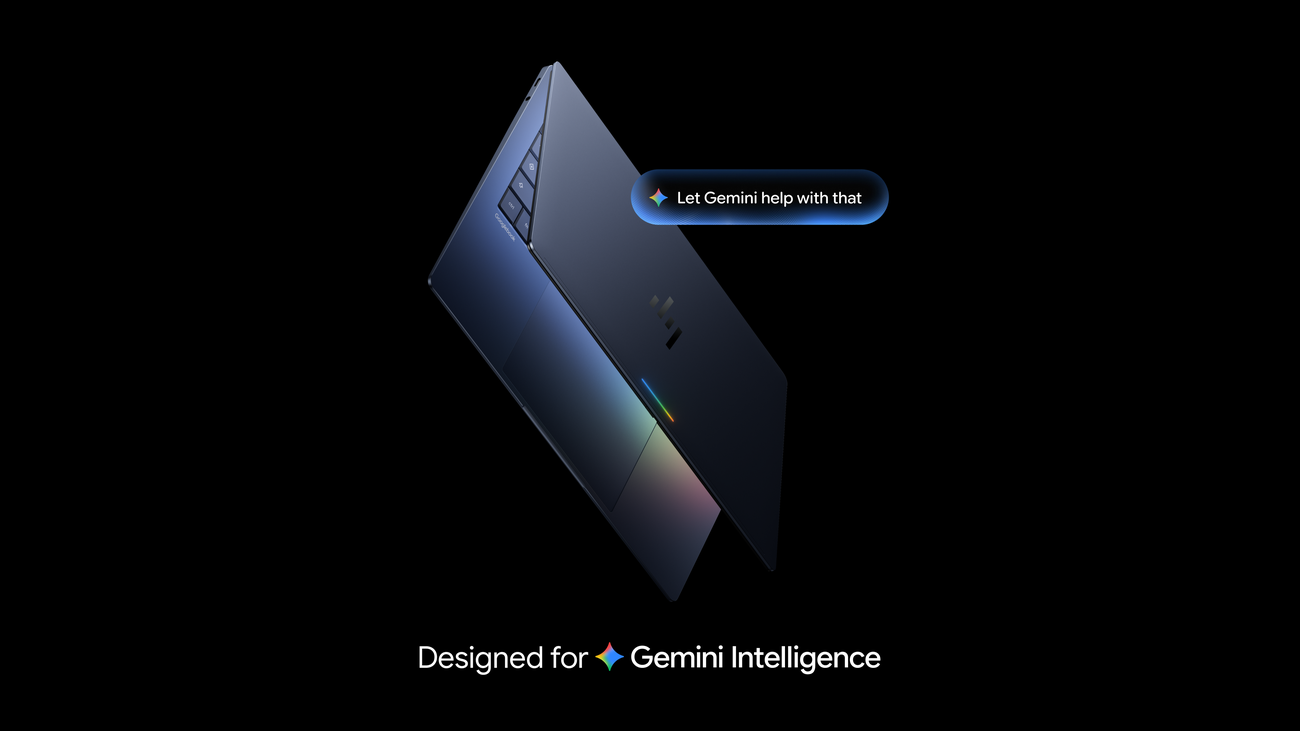
Gemini moves into the laptop workflow
Google has detailed how Gemini is integrated into its newly announced Googlebook laptop. The Google announcement, dated 21 September, describes Magic Pointer, Rambler voice dictation, custom widgets and background AI tasks. This is an update about a new device experience, not a promise that the same interface will appear on every existing laptop running Gemini.
The distinction matters because the useful part of an assistant is often how quickly it can work with material already on screen. Copying text into a separate chat window adds friction and may strip away context. Google’s approach places Gemini near the pointer, voice input and operating-system workflow, with features designed to act on selected content or continue work while the lid is closed.
Magic Pointer is explicitly summoned
Google says a wiggle of the cursor activates Magic Pointer. The feature can interpret text, images and context where the user is working. Its examples include turning a training plan on a web page into calendar entries, examining a suspicious email and combining selected images into a new visual. That is a broader interaction than asking a standalone chatbot a question.
The company says the feature remains off when it is not summoned. That is an important design claim for a tool that can inspect on-screen information, but users should still understand what content is sent for processing and which actions require confirmation. Scheduling a set of runs, for instance, should allow a person to inspect dates and time zones before events are committed.
A warning about an email is also assistance rather than a guarantee. A model might miss a cleverly disguised scam or flag a legitimate message. The safer workflow is to inspect sender details and use established security controls, with Gemini as one additional signal.
Speech, widgets and developer tools
Rambler is Google’s new dictation experience for the device. It aims to turn a messy spoken stream into more organised text, including action items, and supports switching languages mid-sentence. That may help a person capture a meeting or draft a note quickly. It also means the output can be edited rather than transcribed literally, so important records need review against what was actually said.
Create My Widget lets users describe a small custom widget without coding. Google gives sports scores and a trip countdown as examples. Simple personal tools are a plausible use, but a generated widget that handles confidential information or makes decisions should be evaluated like any other application, including its permissions and data sources.
Google says Antigravity comes with the laptop for app development, and developers have a Linux terminal. The laptop can run other coding tools as well. This reinforces that the device is not only a consumer chat surface: it is intended as a place where AI assistance sits beside ordinary development and productivity software.
Useful automation still needs boundaries
The announcement gives several examples in which Gemini might make or organise something on a user’s behalf. Each has a different permission threshold. Turning selected images into a draft visual is relatively easy to undo; placing calendar events or sending information to another service may affect other people. A good interface should show what the system read, what it proposes and when the action becomes final.
Background work is similarly attractive but should not be confused with guaranteed completion. If a laptop closes while a task is running, the user needs a clear result, error or request for approval on return. Developers and buyers should test what happens without a network connection, when a service rejects a request and when the user changes their mind. Those details determine whether automation is genuinely helpful in practice.
Availability, price and caveats for Australia
Google says pre-orders are open, with a starting price of US$899 in the main announcement. The company lists 5 October as the shelf date for Australia, alongside Canada and several European markets; the US date is 4 October. Australian buyers should check the local store for Australian-dollar pricing, retailer terms and the exact configuration before treating the US starting price as a local quote.
The company says each purchase includes 12 months of Google AI Pro and related storage, plus shorter subscriptions to other services. Those bundled periods have end dates; the ongoing cost and cancellation conditions matter. Googlebook OS is promised feature drops and updates for up to 10 years, but individual AI services may still have separate terms and availability.
Googlebook also includes existing Gemini features such as Gemini Live and task automations. What makes this announcement distinct is the hardware-level integration of pointer, dictation, widgets and background work. The best early test will be whether these features save time on ordinary tasks while making data access and approvals clear, rather than merely making the assistant more visible.